


Switching to Linux is exciting, but let’s be honest. One of the first things that hits you is the question: “What about my apps?” For years you’ve probably relied on Microsoft Office, Photoshop, OneDrive, or similar tools. The good news is that Linux has a thriving ecosystem of open source applications that can step in for your everyday needs. Even better, most of them can be installed and used within minutes, no complicated setup required.
I’ve put together a list of open source alternatives that I’ve personally found to be both powerful and approachable. These aren’t niche tools buried in obscure forums—they’re widely used, actively developed, and friendly enough for new or intermediate Linux users.
LibreOffice (Replaces Microsoft Office)
If you only install one replacement, make it LibreOffice. This suite covers your word processing, spreadsheets, presentations, and even simple database needs. It looks and feels familiar to anyone who’s spent time with Microsoft Office, and it reads and writes Office file formats like DOCX and XLSX without breaking a sweat.
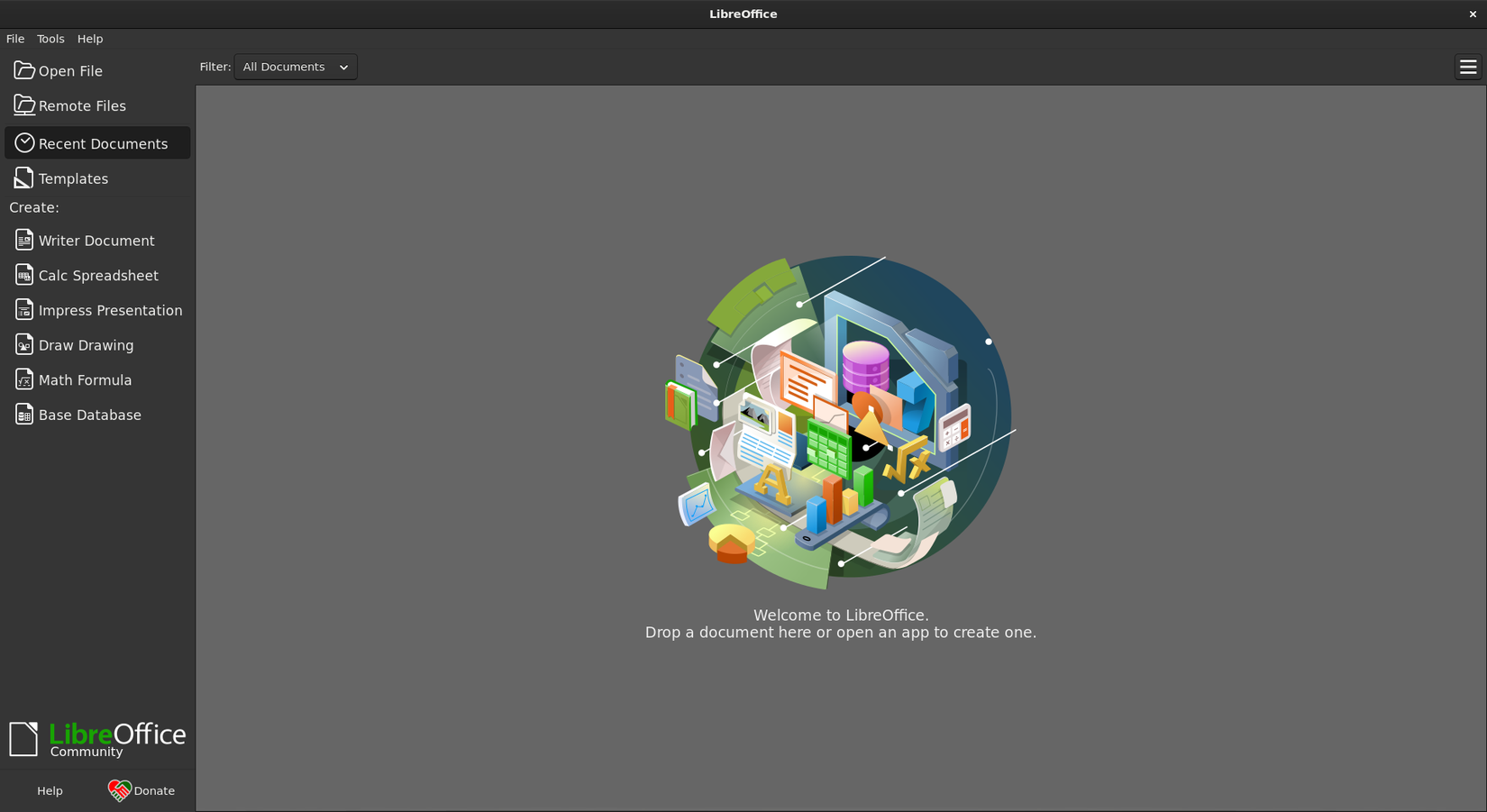
Many Linux distributions even come with LibreOffice pre-installed, which means you might already have it waiting for you. For most day-to-day work, like writing essays, balancing budgets, or making slides for a presentation, LibreOffice gets the job done without costing you a cent.
GIMP (Replaces Adobe Photoshop)
Photoshop users often wonder if they’ll ever find a free tool with enough power to replace it. Enter GIMP (GNU Image Manipulation Program). While the interface may take a little adjusting, the core features in this Photoshop alternative are all there: layers, masks, brushes, filters, and plugin support.
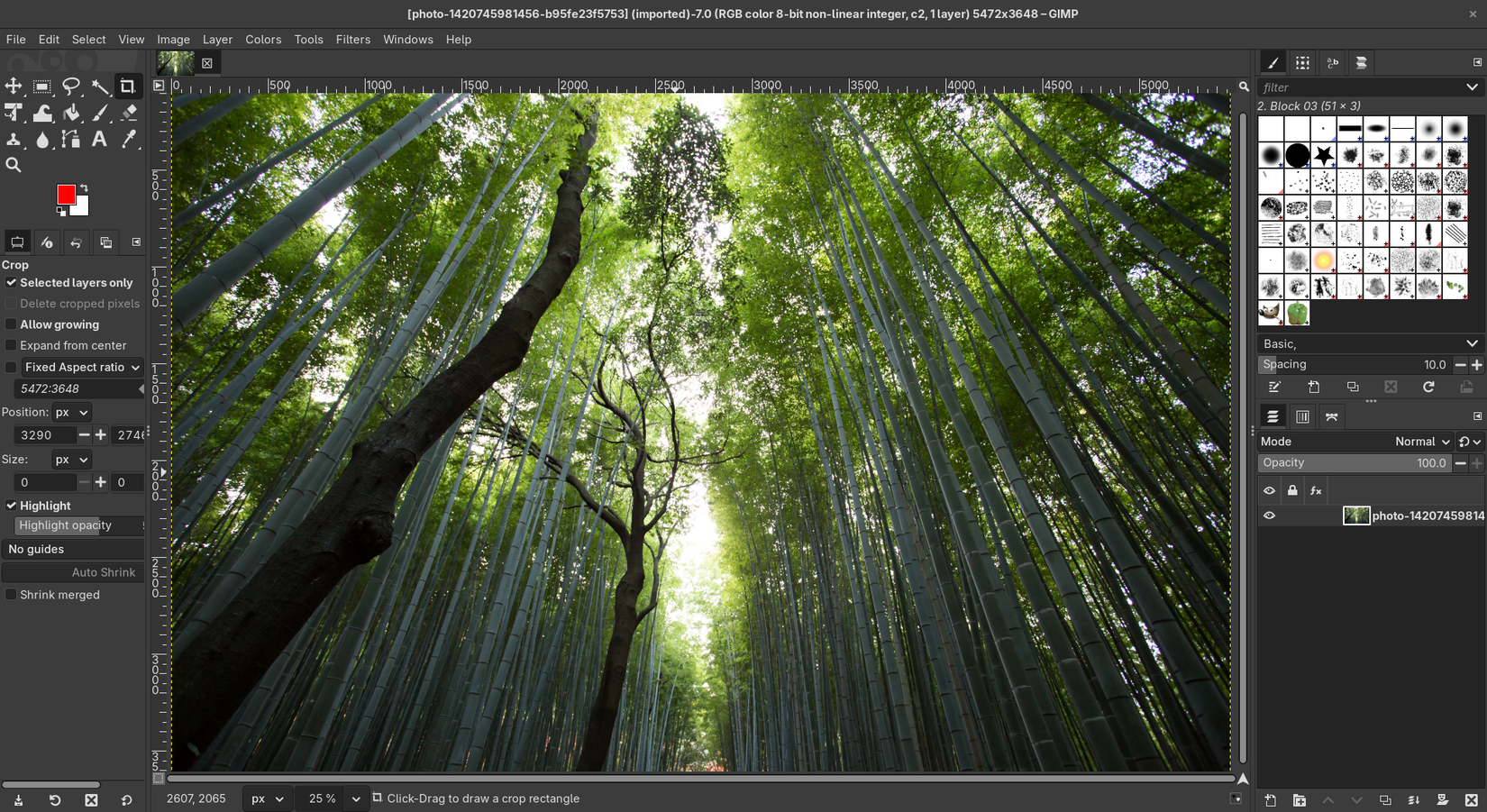
For most casual and even semi-professional image editing tasks, GIMP can more than handle the load. You won’t get every single Photoshop feature, but you’ll be surprised at how much you can accomplish once you get into the rhythm.
Inkscape (Replaces Adobe Illustrator)
If vector graphics are your thing—logos, illustrations, or scalable icons—Inkscape is the go-to open source tool. Think of it as the Illustrator equivalent for Linux. It’s particularly good at handling SVG files, and you’ll find it packed with drawing tools, text manipulation, and path editing features.

It’s simple enough for beginners to doodle with, yet powerful enough for designers who need precision. The best part: you don’t have to sign up for a subscription just to create a logo.
Krita (Replaces Corel Painter / Photoshop for Digital Art)
While GIMP is excellent for image editing, Krita shines in digital painting and drawing. It’s designed with artists in mind, with an intuitive brush engine, stabilizers for smooth strokes, and workspace layouts tailored for sketching or painting.
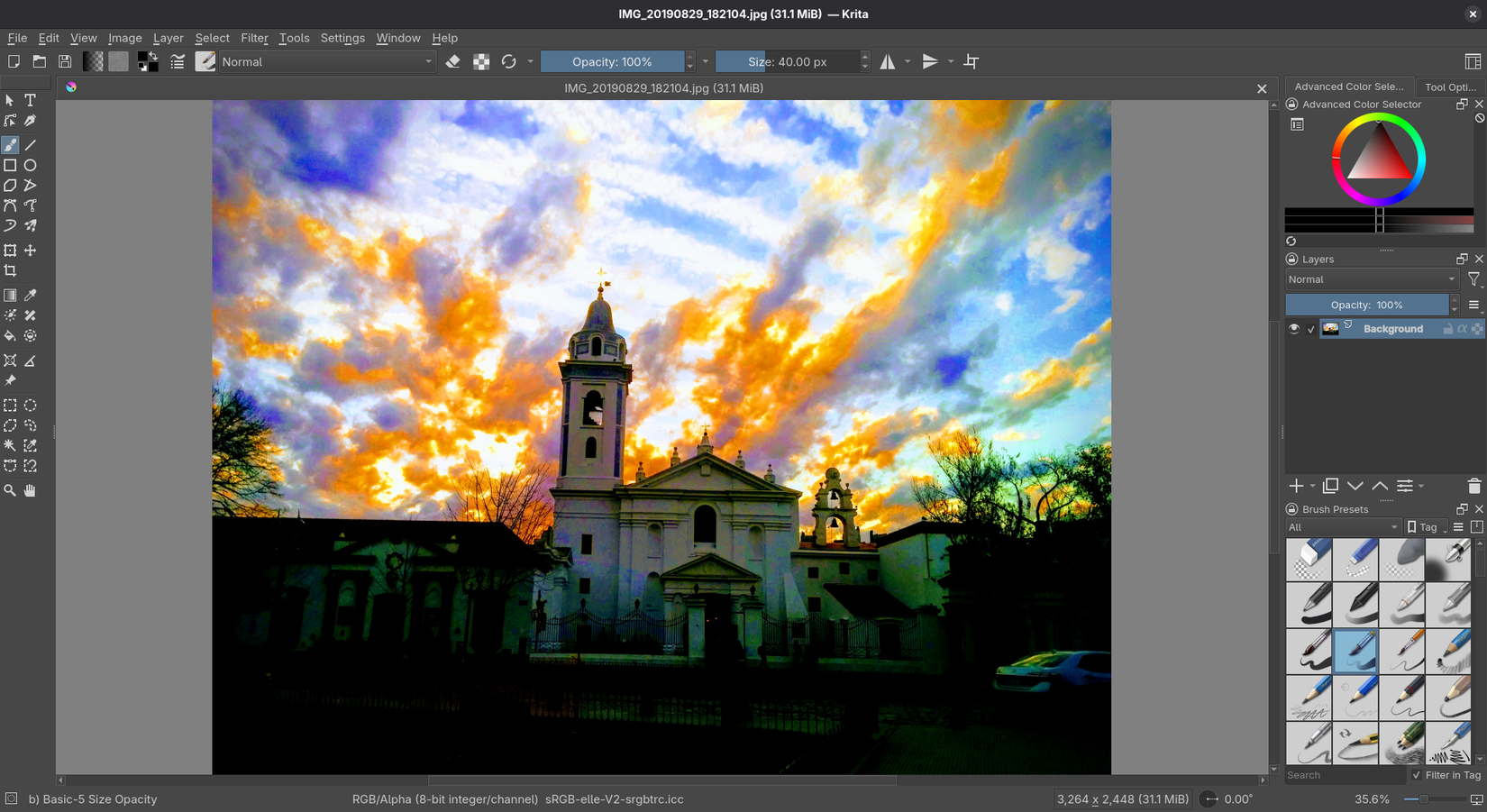
If you’re coming from drawing tablets or apps like Procreate, Krita feels right at home. For illustrators or comic creators, it’s one of the easiest tools to get started with on Linux.
Thunderbird (Replaces Microsoft Outlook)
Handling email can be tricky without a solid client, and Thunderbird has been filling that role for years. Maintained by the Mozilla Foundation, it’s as reliable as they come. It supports multiple email accounts, calendars, and even integrates with popular services like Gmail or Exchange (with extensions).
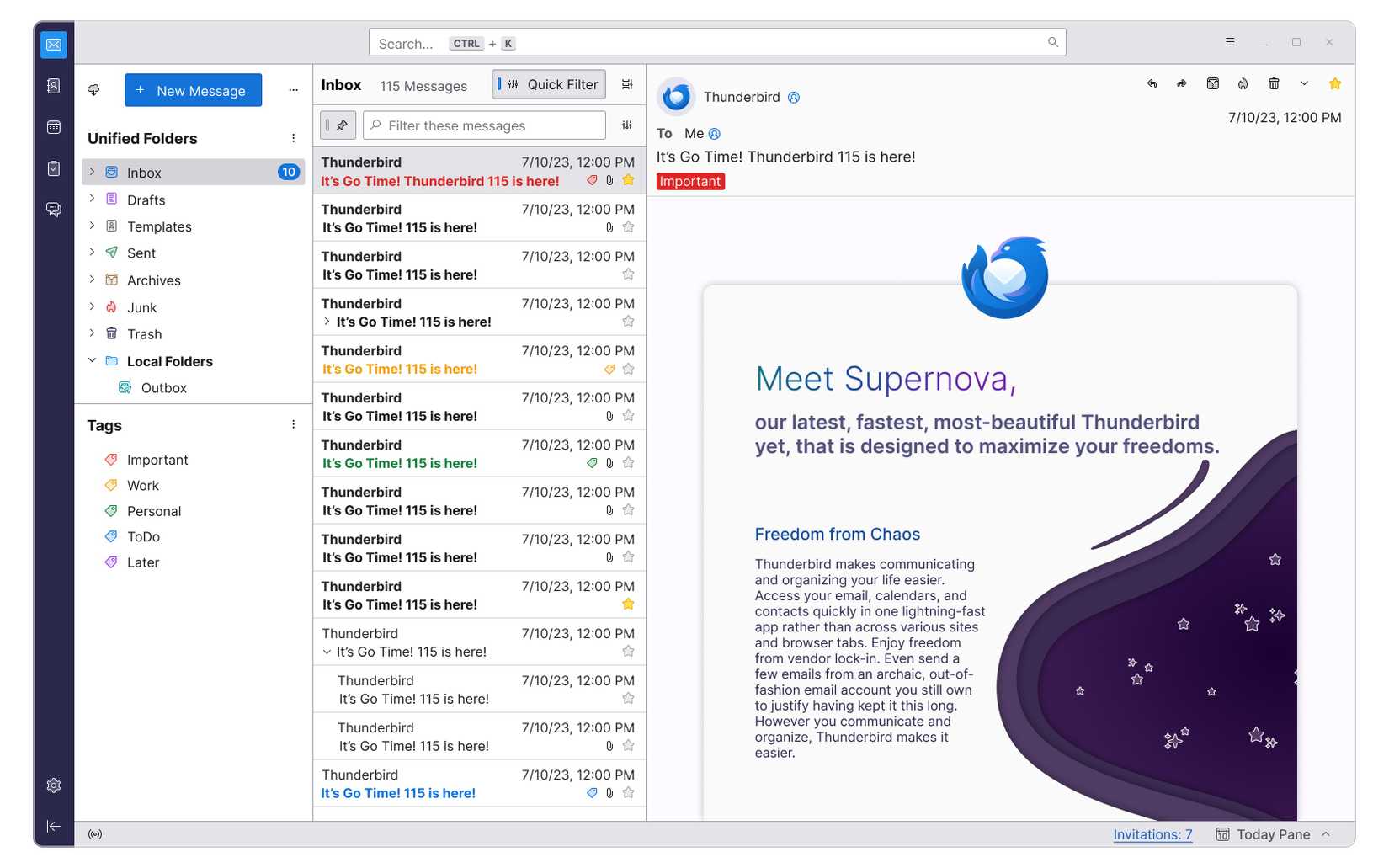
The setup is straightforward: add your email, let Thunderbird do the heavy lifting, and you’re ready to go. If you’ve been relying on Outlook, Thunderbird makes the transition painless.
VLC Media Player (Replaces Windows Media Player / QuickTime)
No list would be complete without VLC Media Player. This legendary media player eats just about every video and audio format you can throw at it. So long as you’re using a distro like Ubuntu or Linux Mint, which will offer to install codecs you, there’s no need to hunt for them either. Want to stream online content? Convert file formats? Play DVDs? VLC does it all with a few clicks.
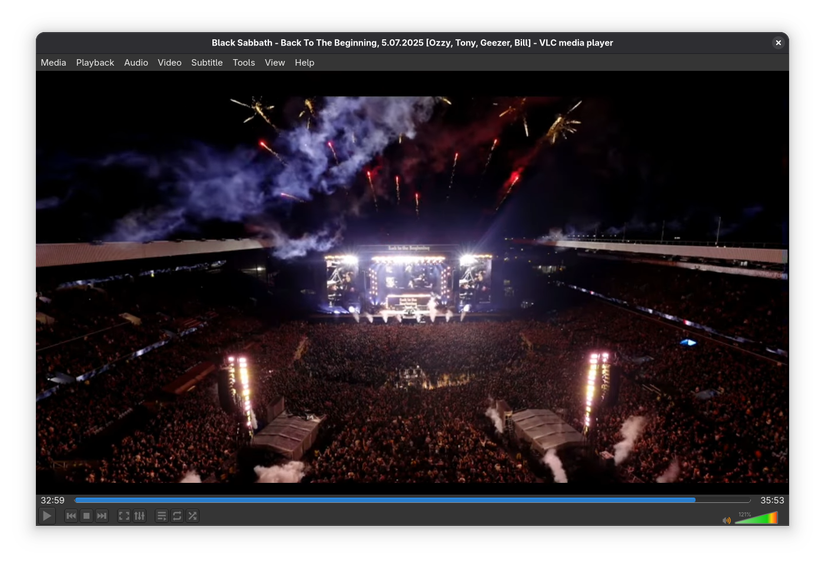
For many Linux users, VLC is one of the first apps installed because it solves the “will this file play?” question forever.
Audacity (Replaces Audition / GarageBand for Basic Audio Work)
If you need to record podcasts, edit audio files, or just trim down an MP3, Audacity has you covered. It’s lightweight, intuitive, and supports effects, multi-track editing, and exporting in just about any audio format.
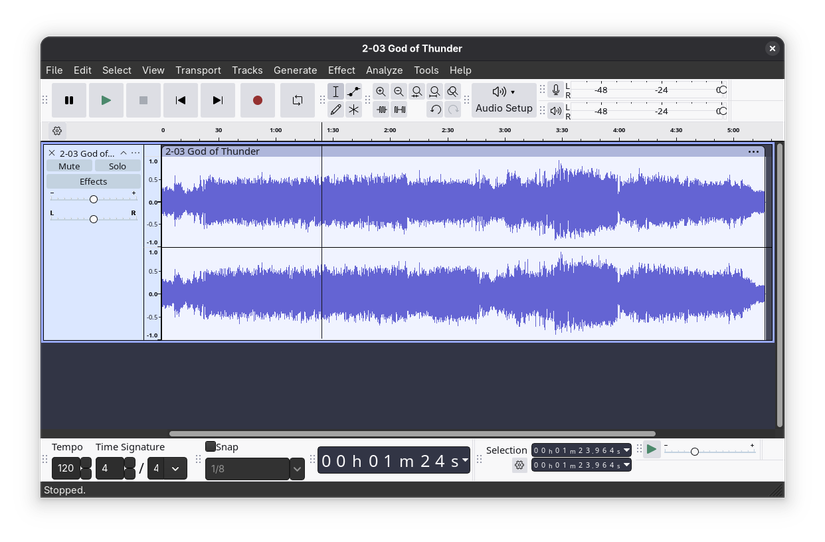
Professional musicians wanting to switch to Linux might need something more advanced, but for most people, Audacity is an indispensable part of their toolkit.
Shotcut (Replaces Adobe Premiere Elements)
For video editing without the price tag, Shotcut is one of the best entry-level open source editors. It’s not as flashy as Adobe Premiere Pro, but it has everything you need to trim, splice, and export video projects.
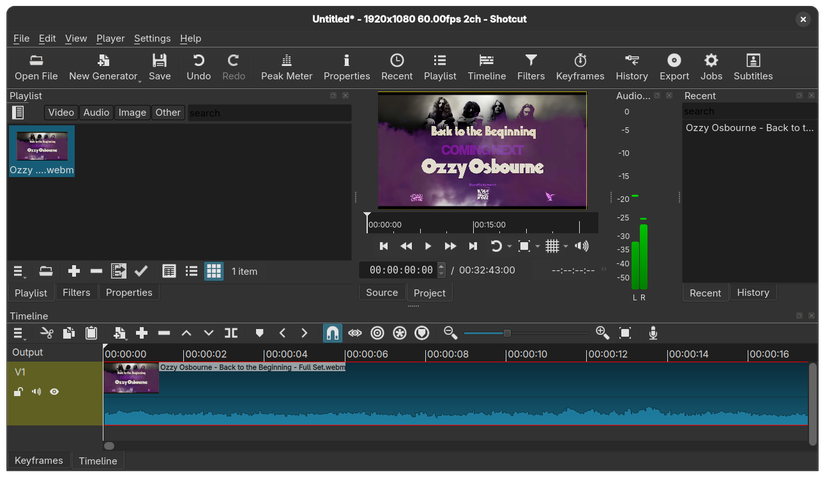
It supports a wide range of formats, has a clear timeline view, and won’t overwhelm you with unnecessary complexity. If you’ve ever wanted to make YouTube content or just clean up vacation videos, Shotcut gets you there quickly.
Nextcloud (Replaces OneDrive, Google Drive, Dropbox)
When it comes to cloud storage, Nextcloud is one of the most versatile open source solutions. The full setup does involve running your own server if you want total control, but here’s the secret: you don’t have to. Many providers offer managed Nextcloud hosting that works out of the box.
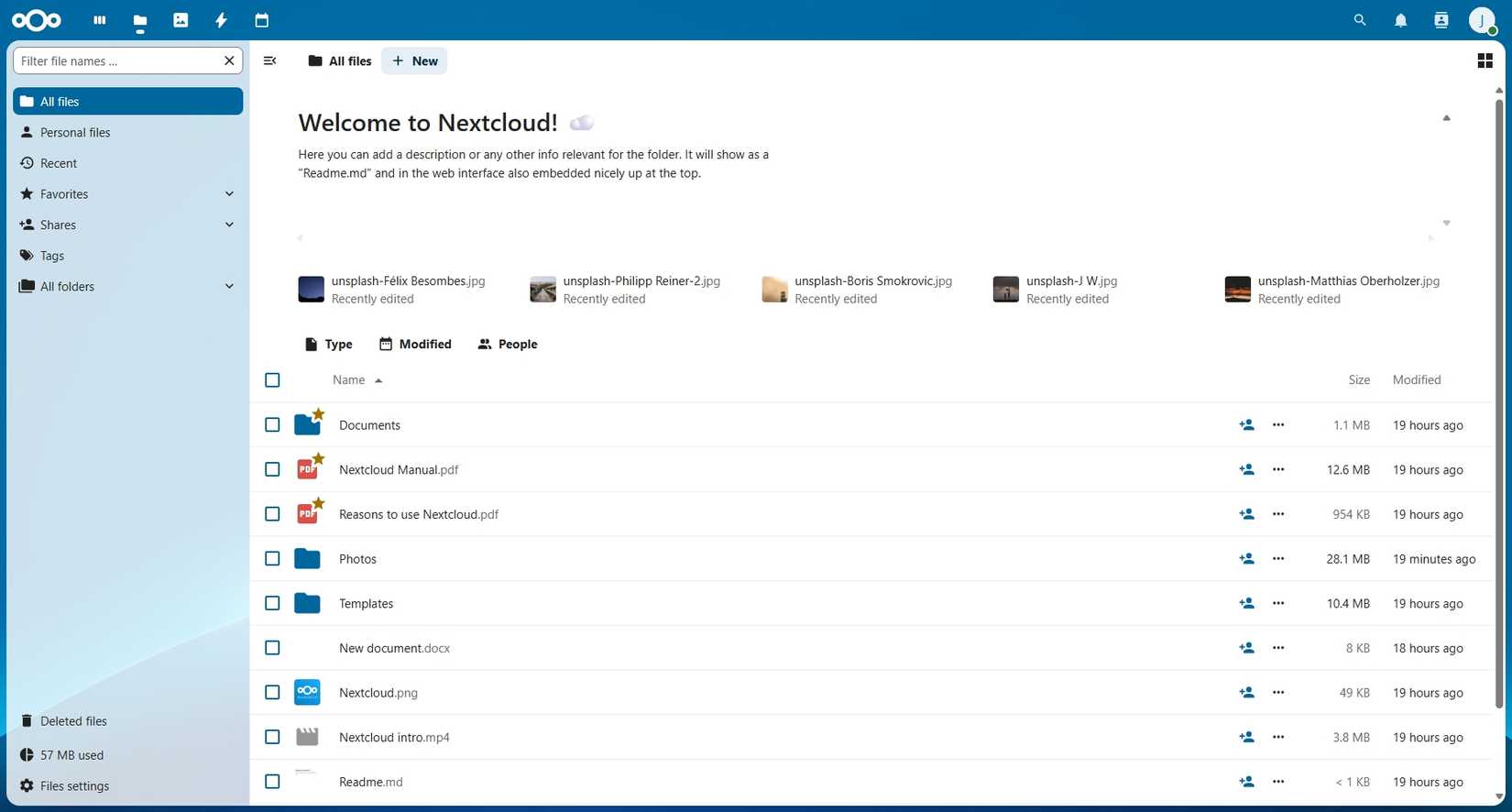
If you want to take your commitment to open source to another level, Nextcloud will let you completely replace entire cloud ecosystems like Google Workspace and iCloud. Your data will stay under your control and away from the data mining algorithms of commercial cloud providers.
With desktop sync clients and mobile apps, it feels just like using OneDrive or Dropbox. You can store files, share documents, even collaborate in real time if you connect it with LibreOffice Online. If privacy and control matter to you, Nextcloud is a fantastic replacement.
Making the Transition
Switching to open source tools doesn’t mean sacrificing productivity. In fact, many folks find that once they break free of the subscription model, they feel more in control of their computing environment.
The biggest shift isn’t the software, it’s the mindset. You’ll be relying on a global community of developers and users rather than a single corporation. Updates and features are driven by collaboration and transparency. For some, that sense of shared progress is just as rewarding as the software itself.
So if you’ve been hesitating about switching from Windows or macOS to Linux because you’re afraid of losing your favorite apps, don’t be. With tools like LibreOffice, GIMP, Nextcloud, and VLC, you can be up and running in no time. You’ll discover that open source isn’t about “settling” for less; it’s about gaining freedom, flexibility, and a community that always has your back.